Your team is drowning in spreadsheets. Customer data lives in Excel, project tracking happens in Google Sheets, and someone cobbled together an Access database that only one person knows how to use. Sound familiar?
FileMaker (now Claris FileMaker Pro) offers a better way—custom database applications that actually fit how your business works, without the cost or complexity of enterprise software or custom code.
Here’s everything you need to know about FileMaker in 2026: what it is, what it does, and whether it makes sense for your business.
What is Claris FileMaker?
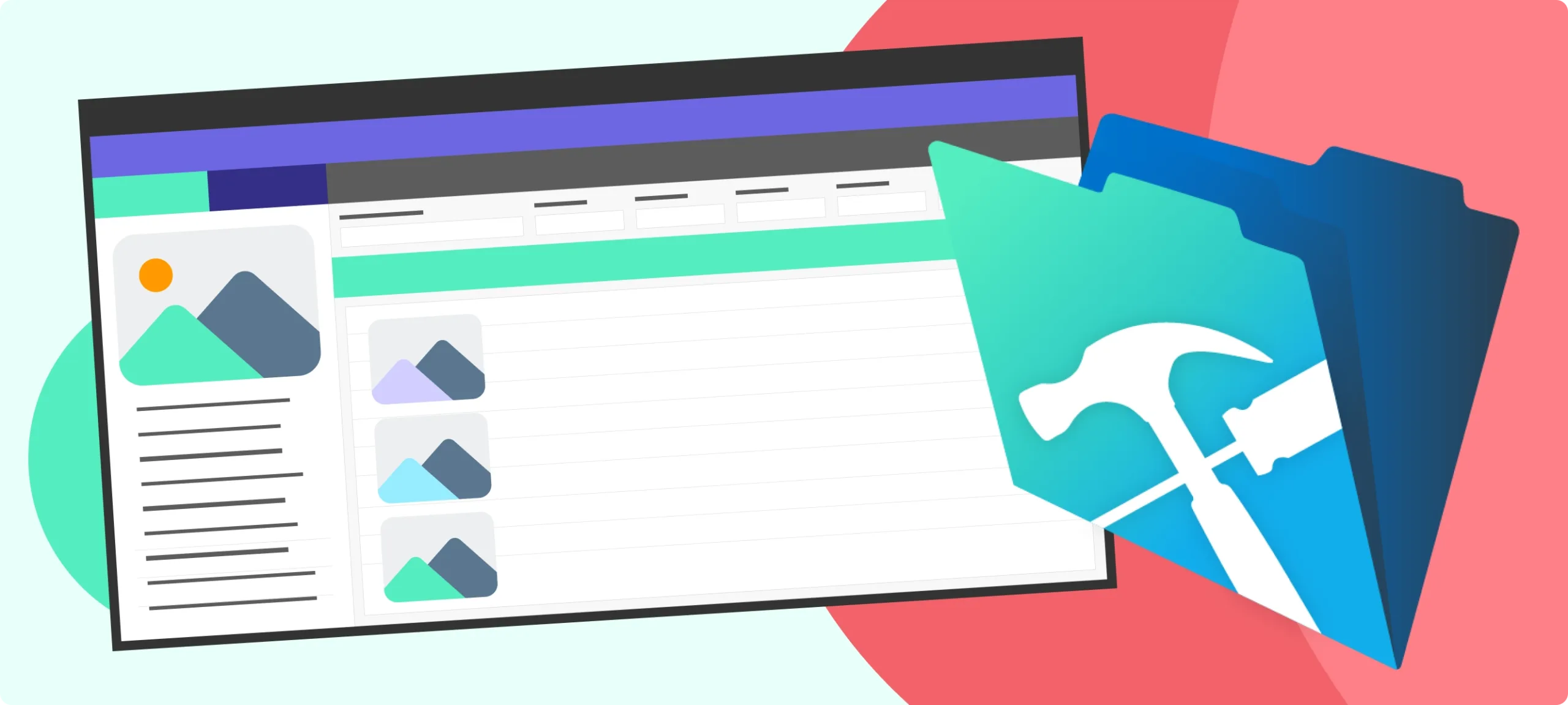
FileMaker is a low-code database platform that lets you build custom business applications without traditional programming. Think of it as the middle ground between spreadsheets (too simple) and enterprise software (too complex and expensive).
In practical terms: FileMaker helps you build custom databases for managing clients, tracking projects, organizing inventory, coordinating workflows—anything where you’re currently using spreadsheets or fighting with generic software that doesn’t quite fit your needs.
Key characteristics:
- Low-code platform – Build applications faster than traditional programming
- Cross-platform – Works on Mac, Windows, iOS, and web browsers
- Customizable – Create exactly what you need, not what generic software thinks you need
- Scalable – Grows from 5 users to 500+ users
- Integration-friendly – Connects to other business tools via APIs and web services
What is FileMaker used for?
We build solutions FileMaker solutions that solve common mid-market and small business challenges:

Client & Project Management
Track clients, projects, tasks, and communication in one centralized system. No more hunting across email, spreadsheets, and separate tools.

Inventory & Asset Tracking
Manage physical inventory, digital assets, equipment, or resources across multiple locations with real-time visibility.

Custom CRM Solutions
Build customer relationship management that tracks what matters to your business—not just what generic CRMs think you need.

Healthcare & Patient Management
Track patient information, appointments, treatment plans, and billing with HIPAA-compliant security.

Education & StudentServices
Manage student records, grant applications, faculty coordination, and institutional reporting beyond what your SIS provides.

Production & Workflow
Tracking Coordinate complex production workflows, asset management, and approval processes for media and entertainment.

Compliance & Audit Systems
Document processes, track approvals, maintain audit trails, and generate compliance reports.

Nonprofit Program Management
Track constituents, manage programs, coordinate volunteers, and report to funders—all in one system.
Common FileMaker use cases
Here’s what teams actually build with FileMaker:
Automated Reporting
Generate reports automatically and export them as PDF, Excel, or email them to stakeholders on schedule.
Data Collection & Asset Tracking
Create web forms, surveys, and registration pages that feed directly into your database.
Multi-Location Coordination
Manage operations across multiple sites with real-time data synchronization.
Custom Dashboards
Build role-specific dashboards that show each team member exactly what they need to see.
Education & Student Services
Manage student records, grant applications, faculty coordination, and institutional reporting beyond what your SIS provides.
Mobile Data Access
Access and update your database from phones and tablets in the field.
Integration Workflows & Audit Systems
Connect FileMaker to QuickBooks, Stripe, Mailchimp, Salesforce, and hundreds of other business tools.
Document Management
Store files, track versions, manage approvals, and automate document workflows.
Why choose FileMaker over alternatives?
FileMaker vs. Spreadsheets (Excel, Google Sheets)
Spreadsheets work until they don’t. You hit limits around data volume, collaboration, data integrity, and automation. FileMaker provides proper database structure, multi-user access, and workflow automation that spreadsheets can’t handle.
FileMaker vs. Off-the-Shelf Software (Salesforce, Monday, Airtable)
Generic software forces you into predefined workflows. FileMaker builds around your exact processes. You’re not paying for features you don’t need or working around features you can’t customize.
FileMaker vs. Custom Code (Building from scratch)
Custom programming gives you complete control but takes 3-5x longer and costs 2-3x more than FileMaker development. FileMaker delivers 80% of custom code flexibility at a fraction of the cost and timeline.
FileMaker vs. No-Code Tools (Bubble, Adalo)
Pure no-code tools hit limits quickly with complex data relationships and business logic. FileMaker provides more power and sophistication while remaining accessible to non-programmers.
Key FileMaker benefits in 2026
- Rapid Development What takes months in traditional programming takes weeks in FileMaker. Most custom applications launch in 8-16 weeks.
- Cross-Platform Compatibility Build once, deploy everywhere—Mac, Windows, iOS, and web browsers. Your team uses the devices they prefer.
- Flexible Deployment Host on-premise, in the cloud (FileMaker Cloud or AWS), or hybrid. You control where your data lives.
- Integration Capabilities FileMaker 2024 and newer versions offer robust API support, making it easy to connect to other business systems.
- Mobile-First Options Native iOS apps and responsive web interfaces mean your team can work from anywhere.
- Security & Compliance Enterprise-grade security with role-based access control, encryption, and audit trails. HIPAA and SOC 2 compliant when properly configured.
- No Per-User Licensing Hassles Unlike subscription SaaS tools, you can build concurrent user licensing that makes more sense for businesses with fluctuating team sizes.d with FileMaker:
Who uses FileMaker?
By Industry:
- Healthcare & Life Sciences (28%)
- Education & Research (22%)
- Professional Services (18%)
- Nonprofits & Associations (12%)
- Media & Entertainment (10%)
- Manufacturing & Distribution (10%)
Is FileMaker right for your business?
FileMaker makes sense if you:
- Have outgrown spreadsheets but don’t need enterprise software
- Need custom workflows that generic tools can’t handle
- Want to connect multiple systems and eliminate manual data entry
- Have 20-200 employees with specific operational needs
- Value flexibility to adapt as your business evolves
- Need applications built in weeks, not months
FileMaker might not fit if you:
- Can work comfortably within off-the-shelf software constraints
- Have fewer than 10 users with very simple needs
- Need real-time collaboration like Google Docs (FileMaker handles data, not document collaboration)
- Want a pure no-code solution you can build yourself without any developer help
FileMaker in 2026: What’s new
The FileMaker platform continues to evolve. Recent updates include:
- Enhanced AI Integration Connect to AI services for automated data extraction, intelligent categorization, and predictive analytics.
- Improved Web Capabilities Better performance and functionality for web-based FileMaker applications.
- Advanced API Support Easier integration with modern web services and business tools.
- Cloud-Native Features Better performance and reliability for FileMaker Cloud deployments.
- Mobile Improvements Enhanced iOS app capabilities and better offline functionality.
See how FileMaker could transform your operations
FileMaker works best when it’s built around your specific workflows. As Claris Partners, we’ve built hundreds of custom applications for businesses like yours.

Ready to explore what FileMaker could do for your team?
Discuss your FileMaker needs with our development experts. We’ll review your current systems, understand your business requirements, and outline how FileMaker can improve your operations. Call us at +1 866 852 4484, send an email to [email protected] or reach out below.
About Harlow Technologies:
We’re certified Claris Partners and FileMaker Developers specializing in custom database applications for mid-market businesses. Since 1997, we’ve built over 750 FileMaker solutions for healthcare networks, educational institutions, professional services firms, and growing businesses across industries. Learn more about our FileMaker services →